
Guest
Scan QR and open the menu
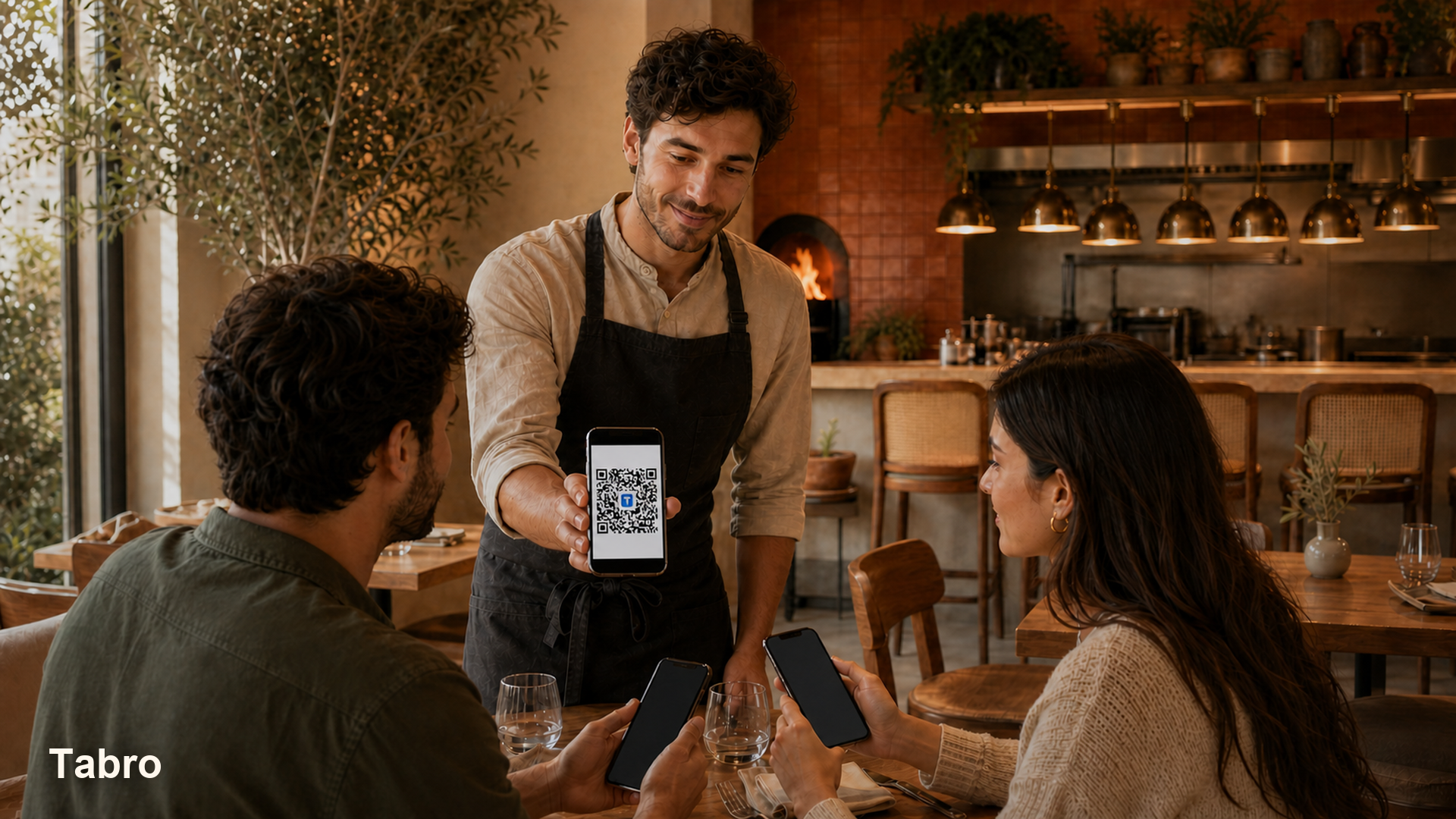
The guest scans a QR code at the table and opens the digital menu in the browser without installing any app.
Tabro
Live product walkthrough
This page shows the simplest real-world scenario: a guest scans a QR code, opens the menu in the browser, places an order, and the team sees everything by table in real time.
This block is meant to show the guest-side experience exactly as a restaurant could share it in the dining room, on Instagram, in stories, or in any other external channel.
The same QR concept can be used on tables, printed materials, social media, or direct links when a restaurant wants to share its menu outside the hall.
Scan this QR code to open the demo menu and view the customer-side experience on a real phone.
The guest scans a QR code at the table and opens the digital menu in the browser without installing any app.
The guest chooses dishes, sends an order, or requests a waiter directly from the phone at the table.
Waiters and administrators see new orders and table requests in one clear flow without verbal relay or chat chaos.
A demo helps you quickly understand whether the service flow is simpler than paper menus, verbal handoff, or improvised chat-based ordering.
A demo makes it obvious whether waiters and administrators can react faster and with less confusion during a busy shift.
Open the illustrated walkthrough: eight practical frames show the same table moving from QR handoff to order, staff reaction, waiter call, and closing the visit.
This is a guided demo page that explains the real service flow. The next step is to launch a pilot restaurant and test it on actual devices.
Yes. That is the recommended approach: start with one location, test with your team, and expand only after the flow feels solid.
No. The guest flow works in the browser after scanning the table QR code.